InkOrNot / Stencil maker
Tattoo stencil maker
Turn a photo, a drawing or a tattoo design into black line art for transfer paper. Free, no account, and your image never leaves your device: the stencil is made right here in your browser.
JPG, PNG or WebP, or drop one on this page.
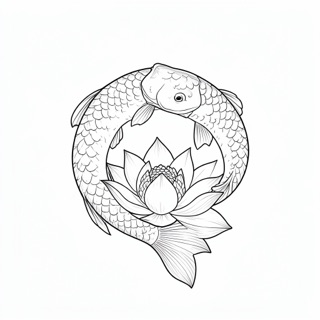
Example: an AI koi design. Choose your own image to replace it.
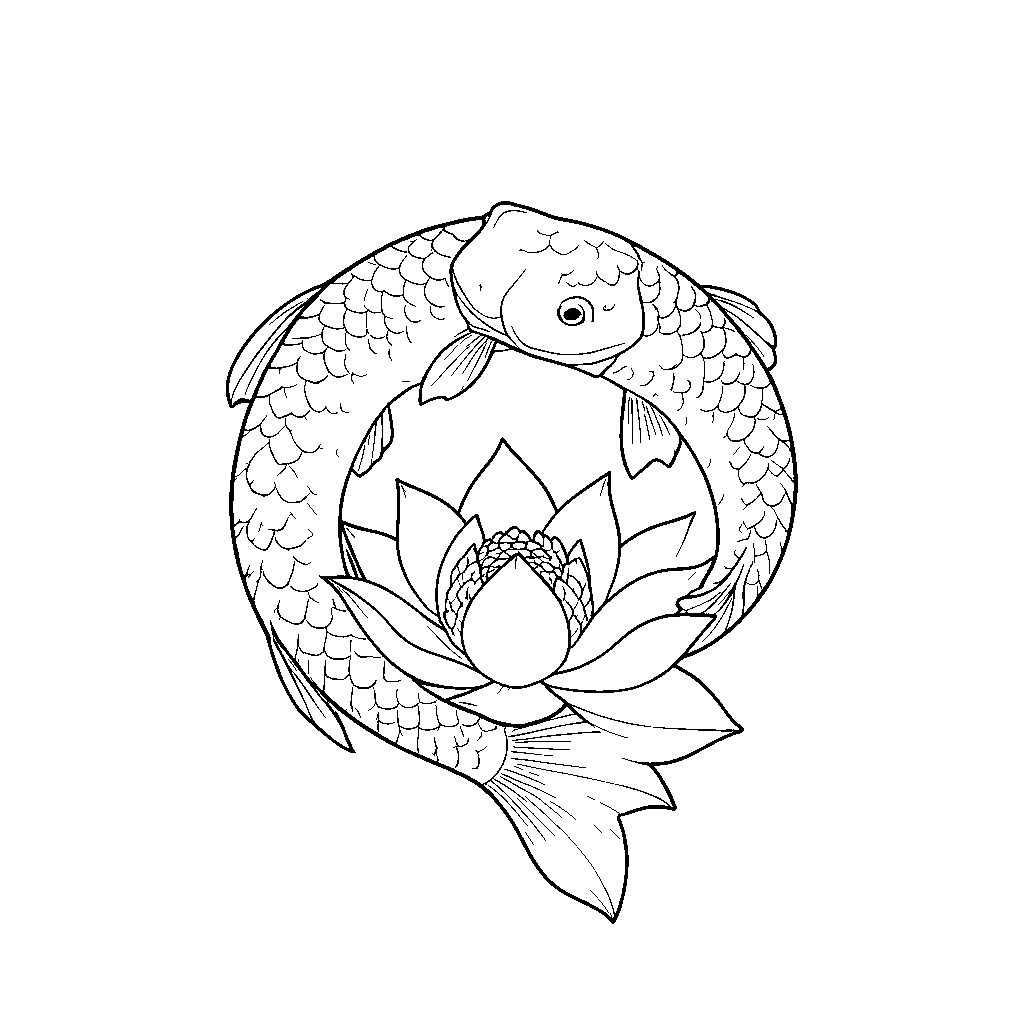
How dark a pixel must be to count as a line. Raise it for pale lines and colors, lower it to drop shading and specks.
Adds width around every line.
For light lines on a dark background.
2048 pixels on the long side, black on white. Free downloads have a small "Made with InkOrNot" line under the design.
No design yet?
Describe an idea and InkOrNot's AI draws it in one of 8 styles. Then see it on a photo of your own skin as healed ink. Free every day: 2 designs and 1 try-on, no account.
Getting a clean stencil
- Thin dark lines stay as they are. A dark area wider than a bold line turns into its outline, so a solid fill does not print as one big patch.
- Strong colors count as light: a red or yellow fill drops out and its black outline stays. Raise the threshold to trace a colored area too.
- From a photo, crop to the subject first, because a busy background turns into lines as well. Then move the threshold until the edges you want are there and the specks are gone.
Getting the size right
- Measure the spot with a soft tape measure. On a curved spot like a forearm or calf, measure along the skin, not straight across.
- The PNG is 2048 pixels on its long side, which is 300 dpi at 17 cm (6.8 in).
- For an exact size, put the PNG in a document (Google Docs, Word or Pages), set its width in cm or inches and print at 100% or Actual size, not Fit to page.
- Print a test on plain paper and hold it on the spot. If lines touch or letters fill in at that size, go bigger or simplify the design.
How to print a stencil
- Thermal copier. Print the normal PNG on any printer and feed that page through the copier with the transfer paper. The copier puts the design on the back of the white sheet in reverse, so it reads correctly on the skin. If an inkjet print gives a faint stencil, feed a photocopy or laser print of it instead: some copiers only pick up toner.
- Thermal stencil printer. Print the PNG from the printer's app. Some apps mirror the image for you and some have a mirror switch, so make one test print with a letter like R first.
- By hand. Print the normal PNG, lay it on the transfer paper and go over every line with firm pressure. The purple layer copies the lines onto the back of the sheet lying on it.
- Inkjet printer with stencil ink. Print the mirrored PNG, because the printed side is the one pressed onto the skin.
Transfer paper tips
- The side that touches the skin is the purple back of the white sheet.
- If your paper has a thin tissue between the white sheet and the purple layer, take it out first. Left in, it catches the design instead of the white sheet.
- Never feed transfer paper through a laser printer: its fuser runs at about 200 °C (400 °F) and melts the purple wax inside the printer.
- Cut the stencil out with a small border around the design. That also cuts off the Made with InkOrNot line.
Why mirror a stencil
A stencil works like a rubber stamp: its purple side is pressed onto the skin, so the skin gets the mirror image of that side. A thermal copier and tracing by hand already put the design on the purple side in reverse, so give them the normal PNG. Use the mirrored PNG only when the sheet you print on is the one pressed onto the skin. Before a stencil goes on, look at its purple side: any lettering there must read backwards. A design that is the same on both sides looks identical either way.